Connected learning environments
Digital lessons, guided practice and emulated system interfaces at trainee workstations. Instructors follow progress across the class and connect learning to the next exercise.
 Let’s talk
 Connected classrooms, system trainers and team simulation. We develop and integrate the training environment, connect it to other teams and systems, and turn exercise data into insight with FLOW TMS and AI.
Talk to us about your needs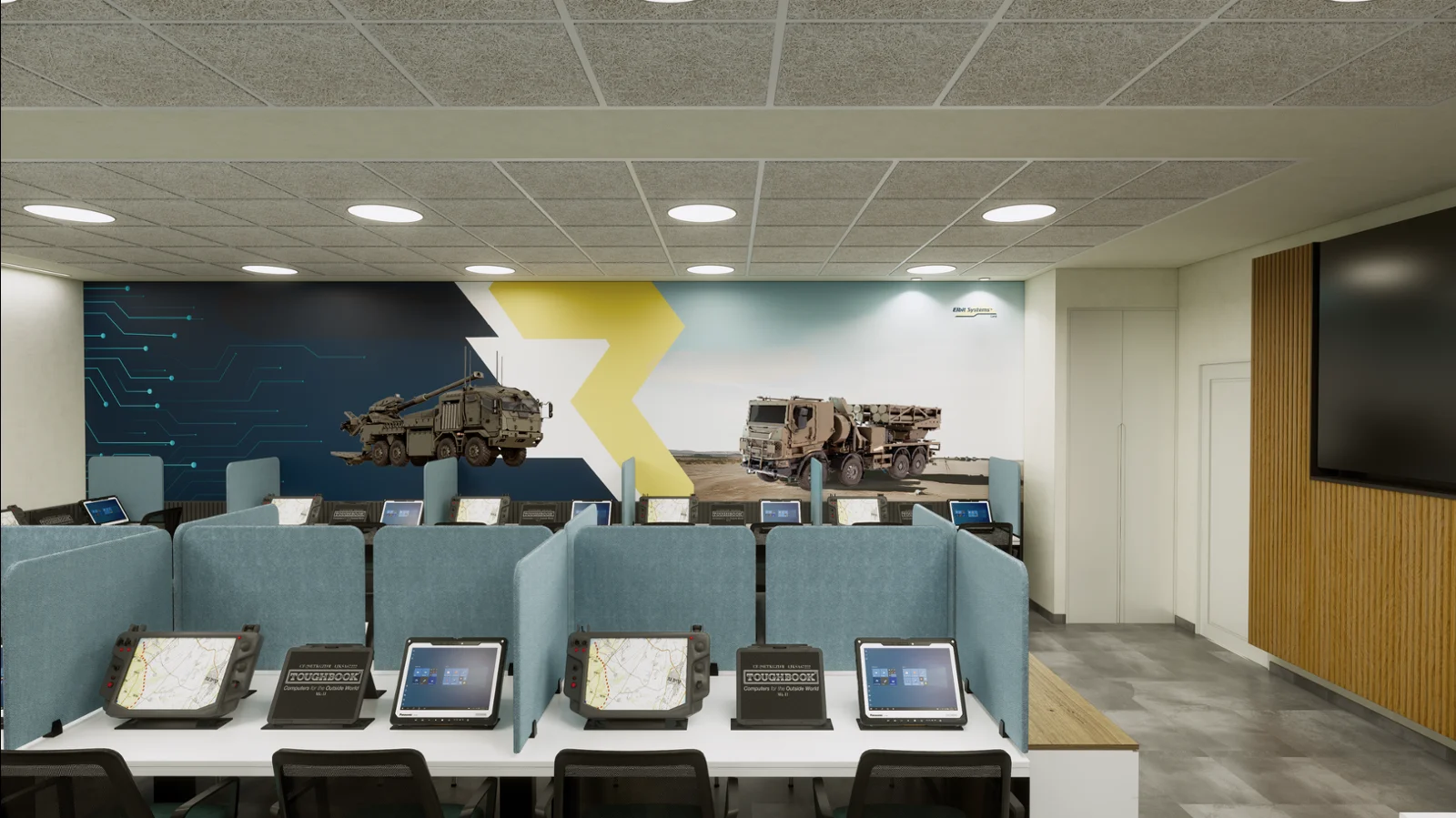
The training objective defines the environment. We bring software, hardware, system knowledge and instructional design together around the work people need to practise.
Digital lessons, guided practice and emulated system interfaces at trainee workstations. Instructors follow progress across the class and connect learning to the next exercise.
Operating logic, interfaces and controls shaped around the equipment and the role. Trainees practise procedures and understand how their actions affect the system.
Multiple roles working through a shared exercise. Connected stations support coordination, communication and the handovers between team members.
Instructor tools for setting up sessions, following activity and reviewing results. The exercise becomes a source of evidence for feedback and further practice.
Our classrooms, trainers and simulators can communicate with additional teams and systems. We integrate the interfaces that let people practise together and carry training information between environments.
Lessons & guided practice
Individual & team exercises
Connected roles & interfaces
Coordinate the activity and follow the participants.
Connect results, feedback and evidence-linked insights.
Interfaces, shared data and participating systems are defined for each programme. The connection is built around the training objective and the systems already in place.
Bring the people at different stations into the same training context, including teams beyond the immediate classroom or trainer.
Link training interfaces, consoles and external systems through the connections agreed for the project.
Feed the recorded activity into instructor review and the trainee’s history, so learning can continue across sessions.
Connected trainers produce valuable evidence. FLOW TMS brings those records together; its AI layer helps instructors and programme leads see the patterns and decide what to address next.
Session results, task completion, qualification steps and instructor feedback from connected learning and simulation environments.
Surface recurring difficulties, compare outcomes across content and cohorts, and generate concise session summaries.
Follow an insight to its underlying evidence. Use it to focus the debrief, revisit the material or plan further practice.
Reveal difficulties that recur across exercises, content that needs attention and differences in outcomes when the same material is taught to different cohorts.
Insights link to the underlying records. AI supports the interpretation; instructors retain responsibility for feedback, qualification and training decisions.
FLOW TMS is the training management layer connecting classroom learning and instructor-led simulator sessions. Already in active use within IDF units, it gives trainees, instructors and programme leads a shared record.
Lessons, guided tasks and a clear view of progress.
Session monitoring, feedback and qualification sign-offs.
Content management and AI-assisted insight across courses and cohorts.
A learning session brings task lists, supporting content and completion status into one workspace. Trainees request instructor approval as they progress.
FLOW runs on local hardware and connects with tablets, workstations, operator consoles and simulator interfaces. The deployment and integration scope are defined with each programme.
Explore FLOW & AI with usClassroom learning and instructor-led simulator drills, connected to a continuous trainee record.
Wider simulator coverage and live-field exercise records, extending the view across the training programme.
Our delivery connects facility development, software and hardware integration with the documentation, learning materials and operational instruction needed to use the system.
Roles, tasks, participating teams and the information the instructor needs.
Workstations, trainers, interfaces and links to additional systems.
Technical documentation, visual explanations and learning materials.
Practical instruction, structured feedback and evidence for improvement.
Tell us about the people, the systems and the connections your training environment needs.
Start a conversation