
Precision you
can see.
From a complete system to the smallest visible detail. 3D models, technical renders and assembly illustrations for documentation, training and communication.
Talk to us about your project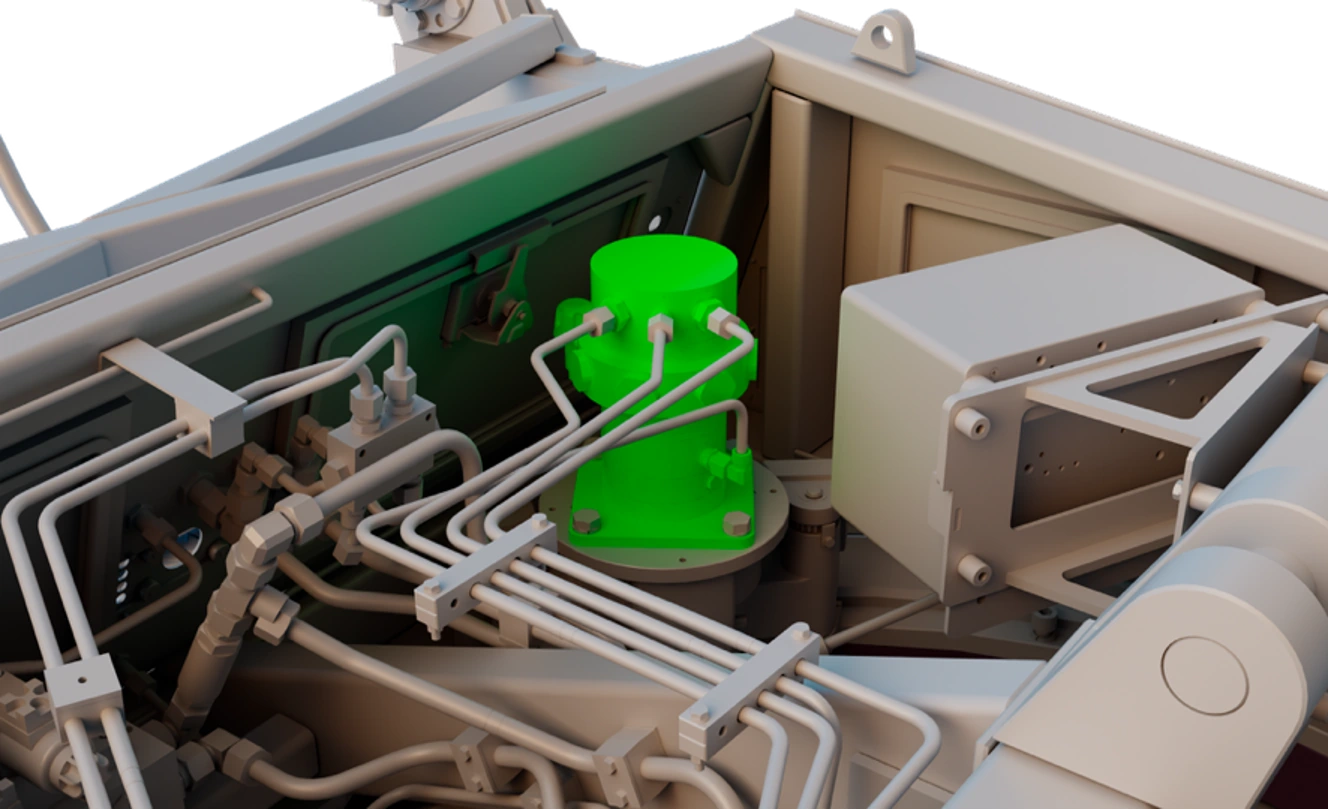
The component.
In context.
Selective colour brings the relevant component into focus while the surrounding assembly keeps its location clear.
Keep the detail.
Change the perspective.
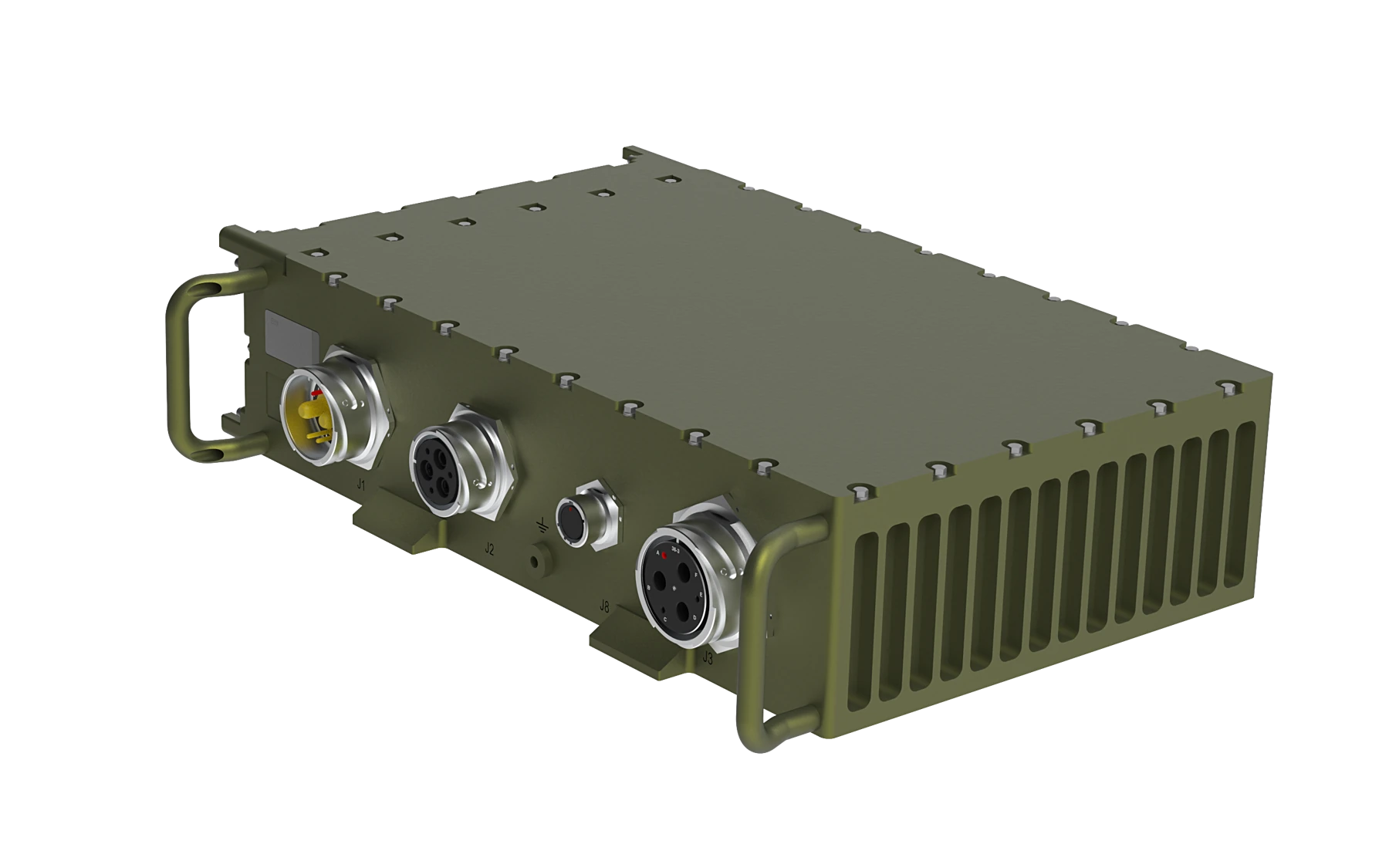
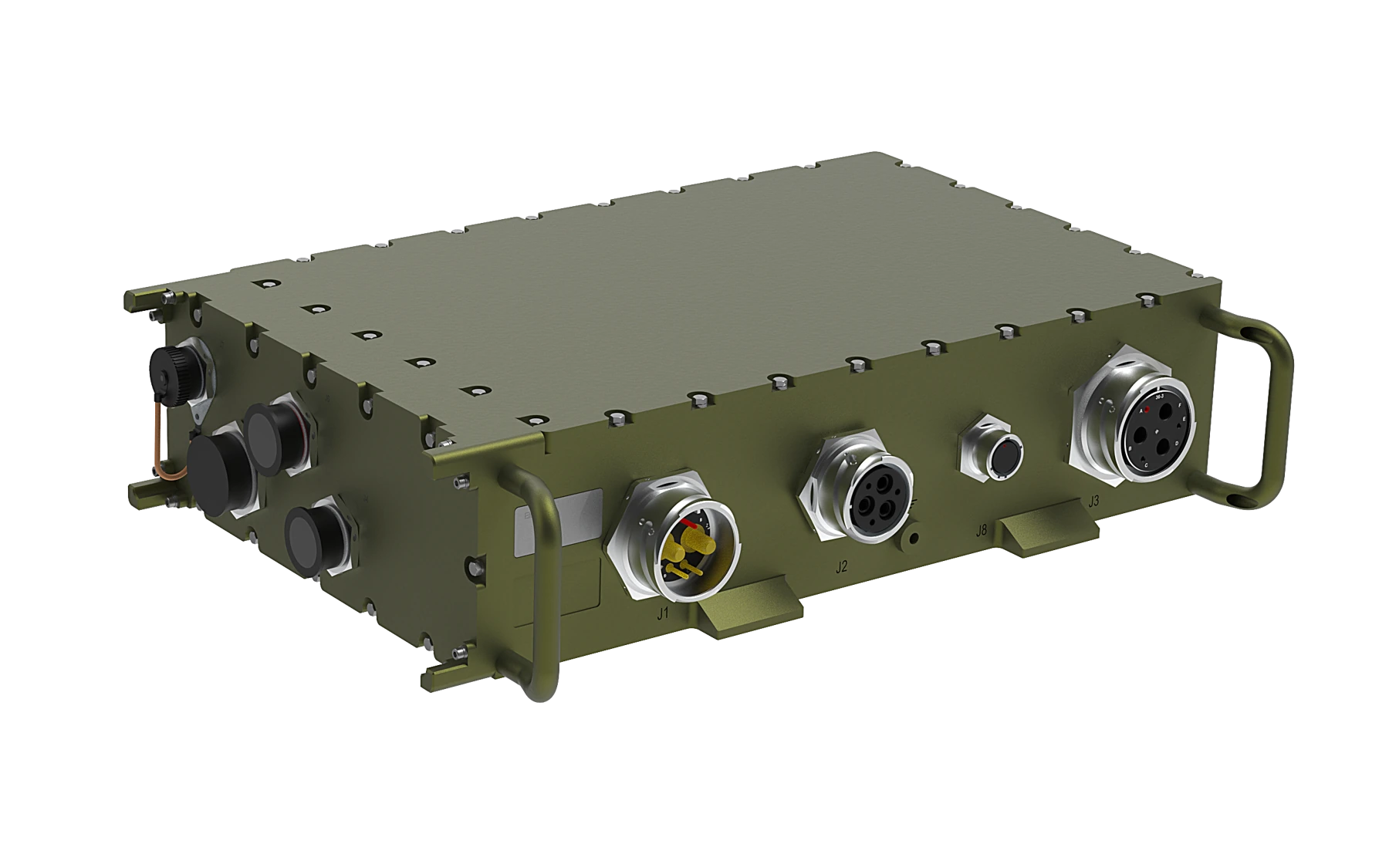
Multiple views reveal the enclosure, interfaces and connections. The output is shaped for the way the model will be used.
From whole
to detail.
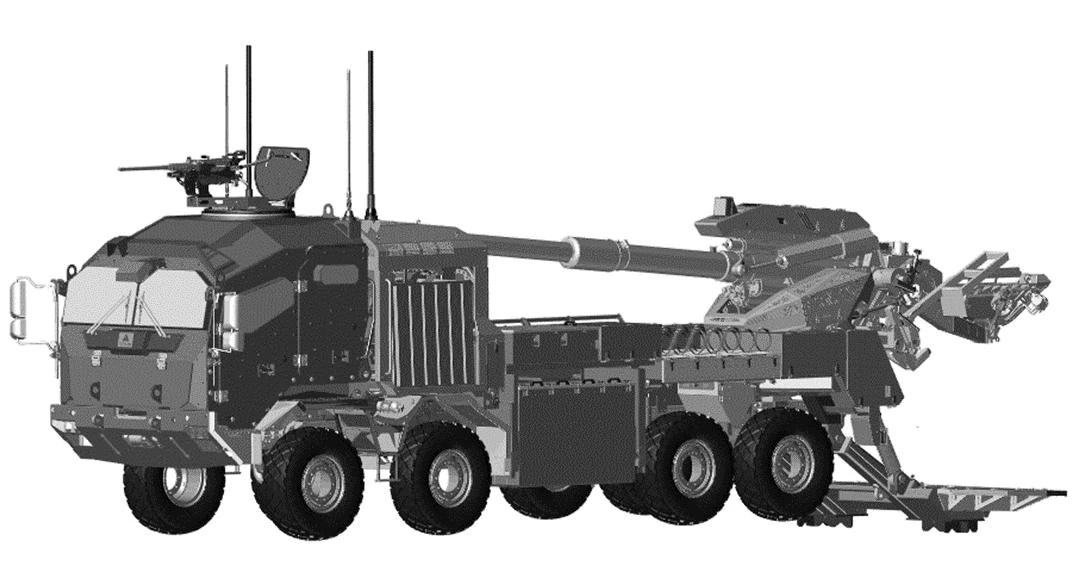
System views establish location. Close-ups make a component visible. Exploded illustrations separate the parts so their relationships are easier to understand.
Explore technical documentation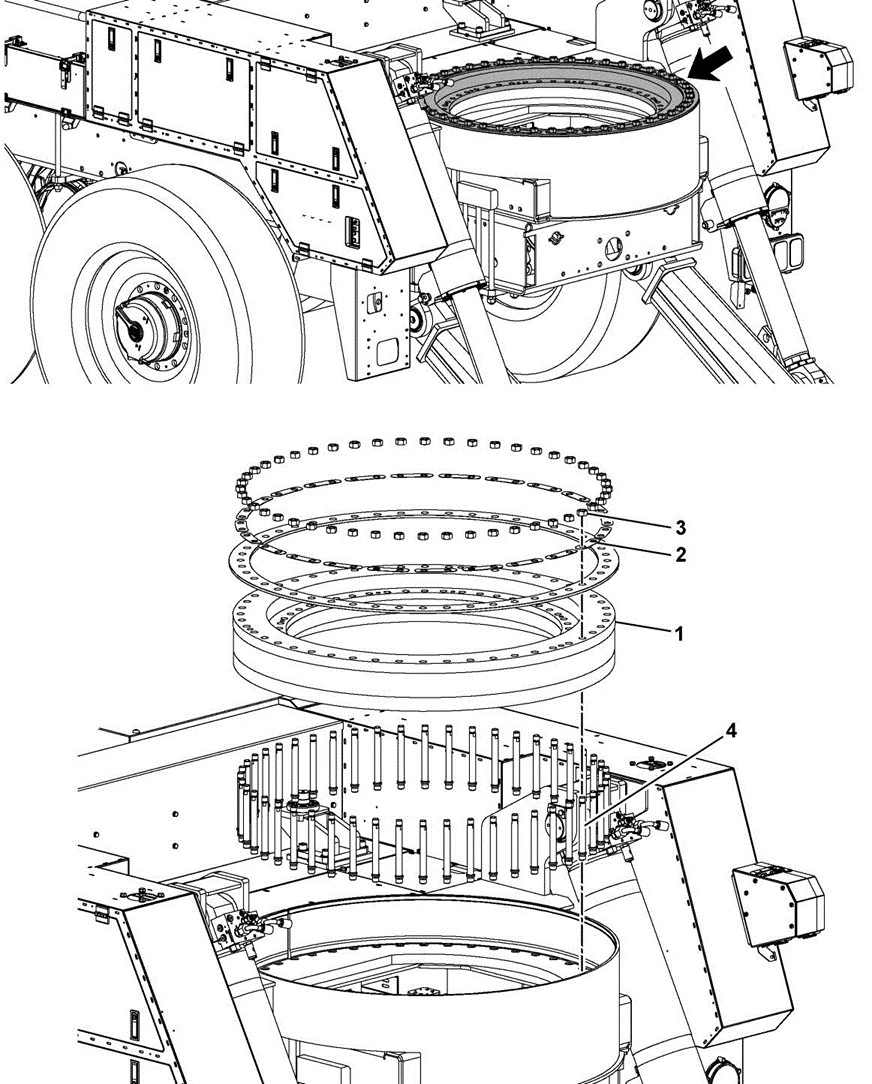
Make the connection
visible.
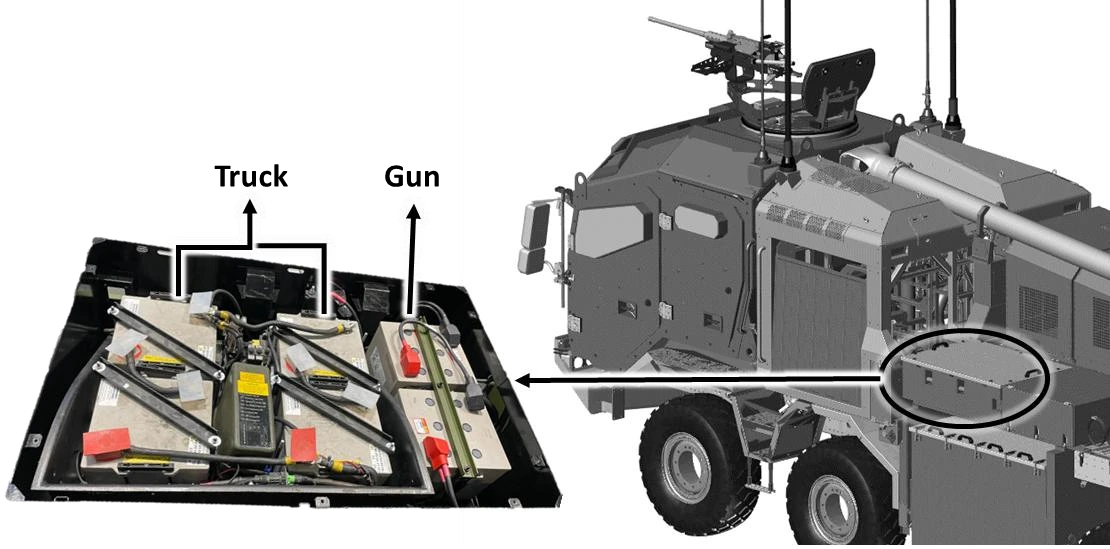
A general view and a component close-up connect the system to the detail the reader needs.
The output starts
with the use case.
We establish the source materials, required detail and delivery environment: technical documentation, digital learning, a product presentation or a trainer concept.
Follow the connection.
See the detail.
Cable routing, highlighted components and enlarged details connect the general view to the precise area the reader needs to understand.
What needs
to be understood?
Tell us about the intended output and the source materials you already have.
Start a conversation